Here is the desktop as it runs today, pointed at a lab of made-up APIs. You’ll see requests, the operations built from them, and the tests that catch problems before your team runs into them.
Send a request and check the answer
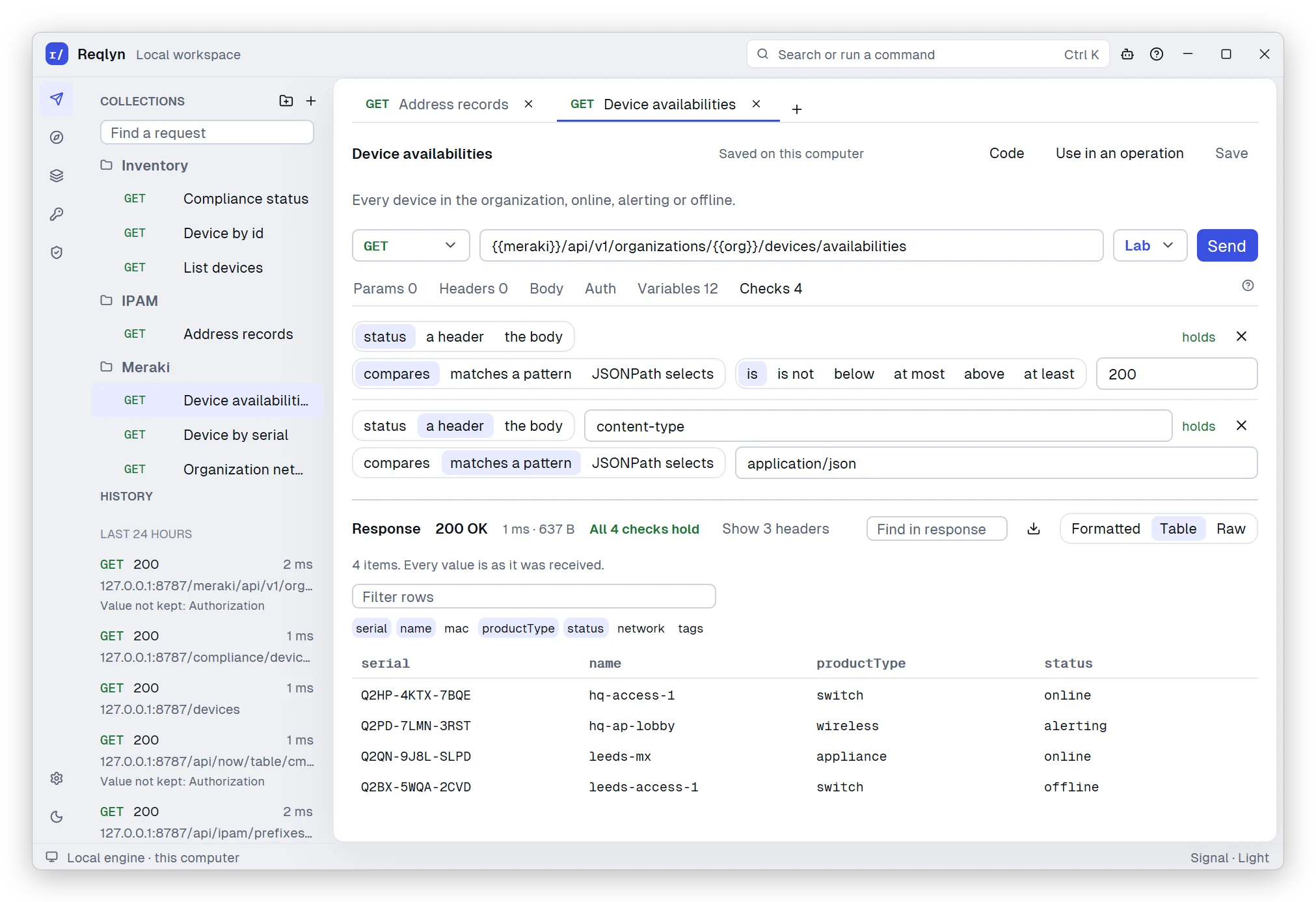
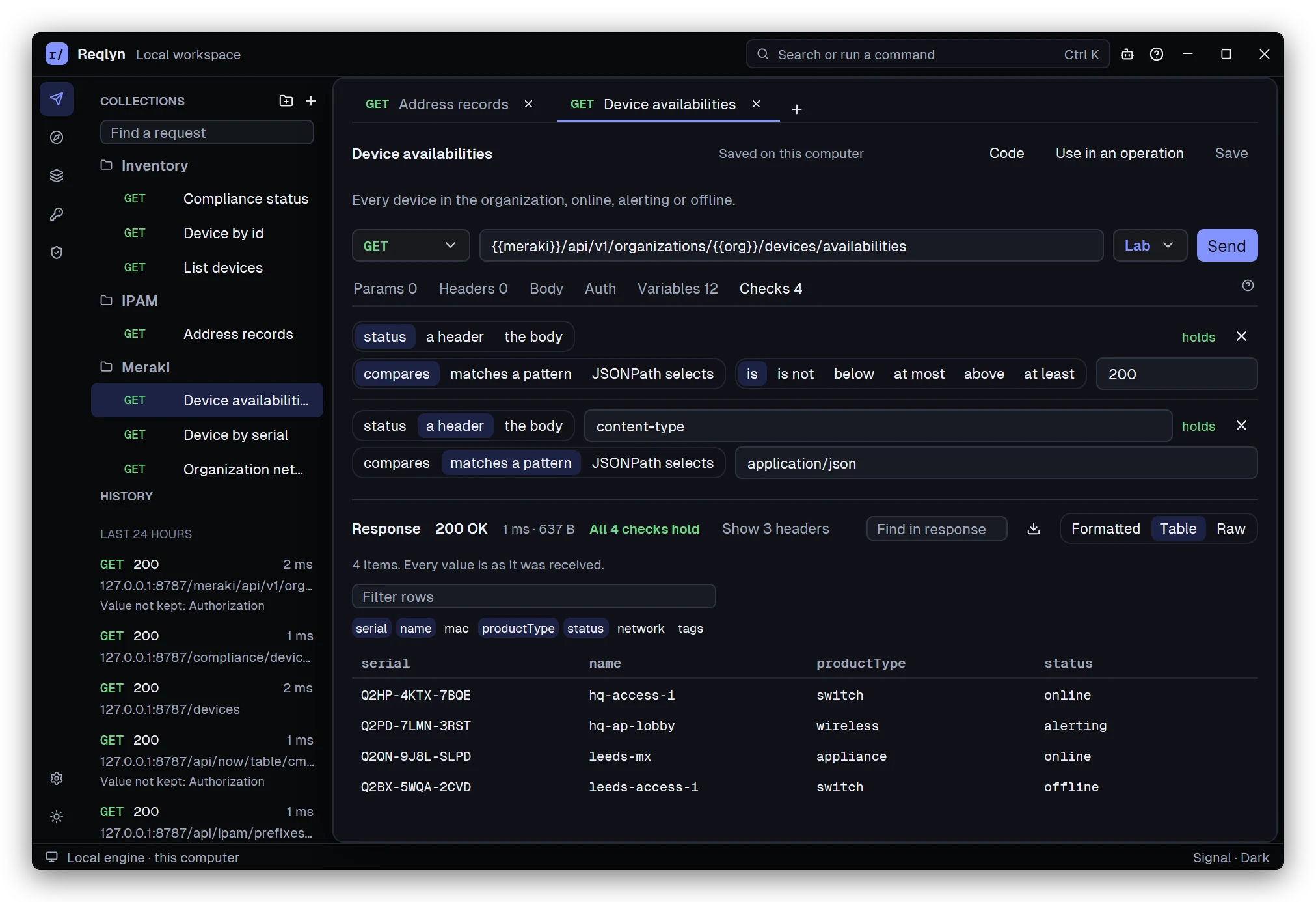
Know at a glance whether an API answered the way you expect. This saved Meraki request has all four of its checks passing, and the devices it returned are laid out as a table. History on the left keeps every send, without credentials or bodies.
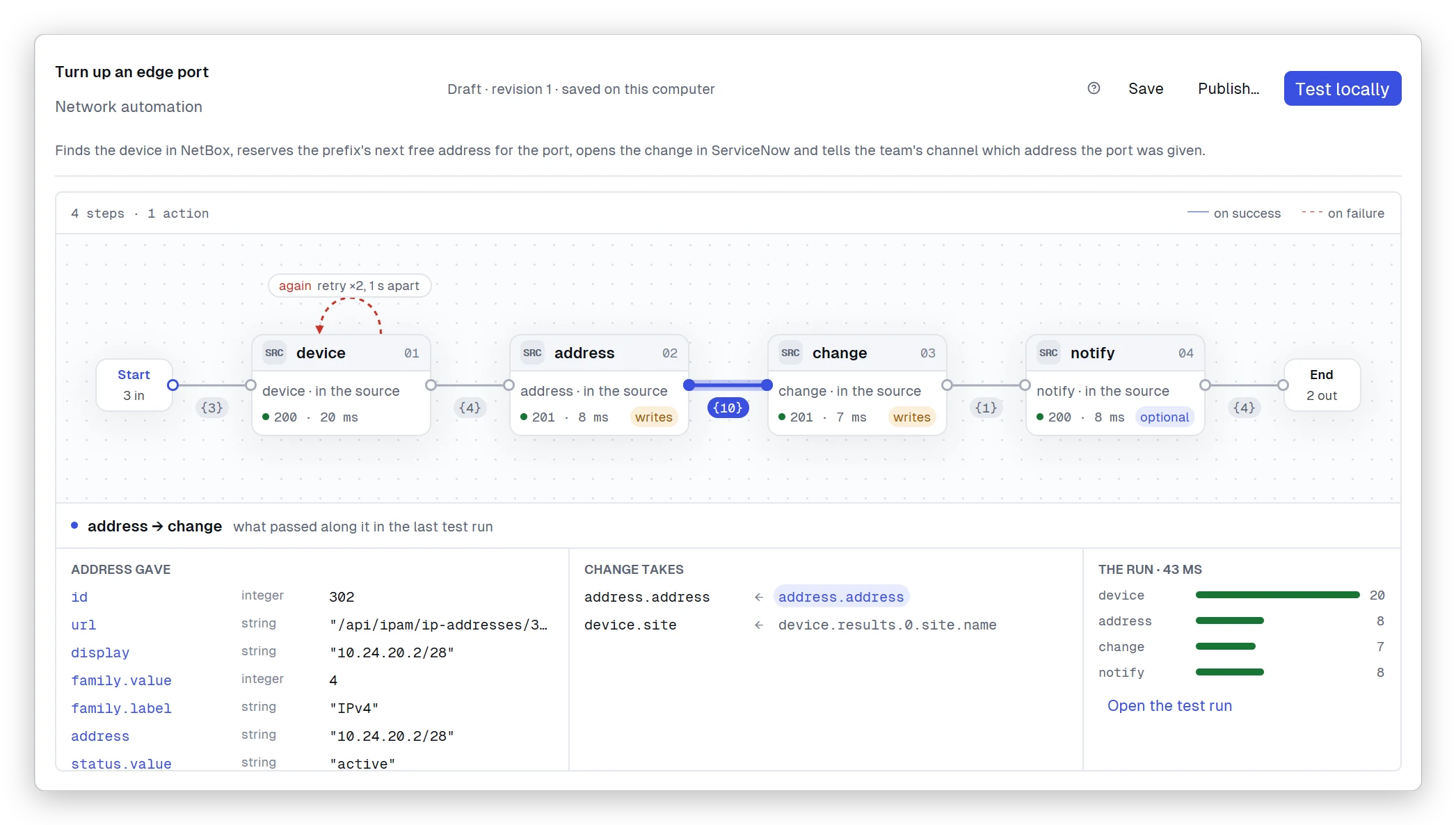
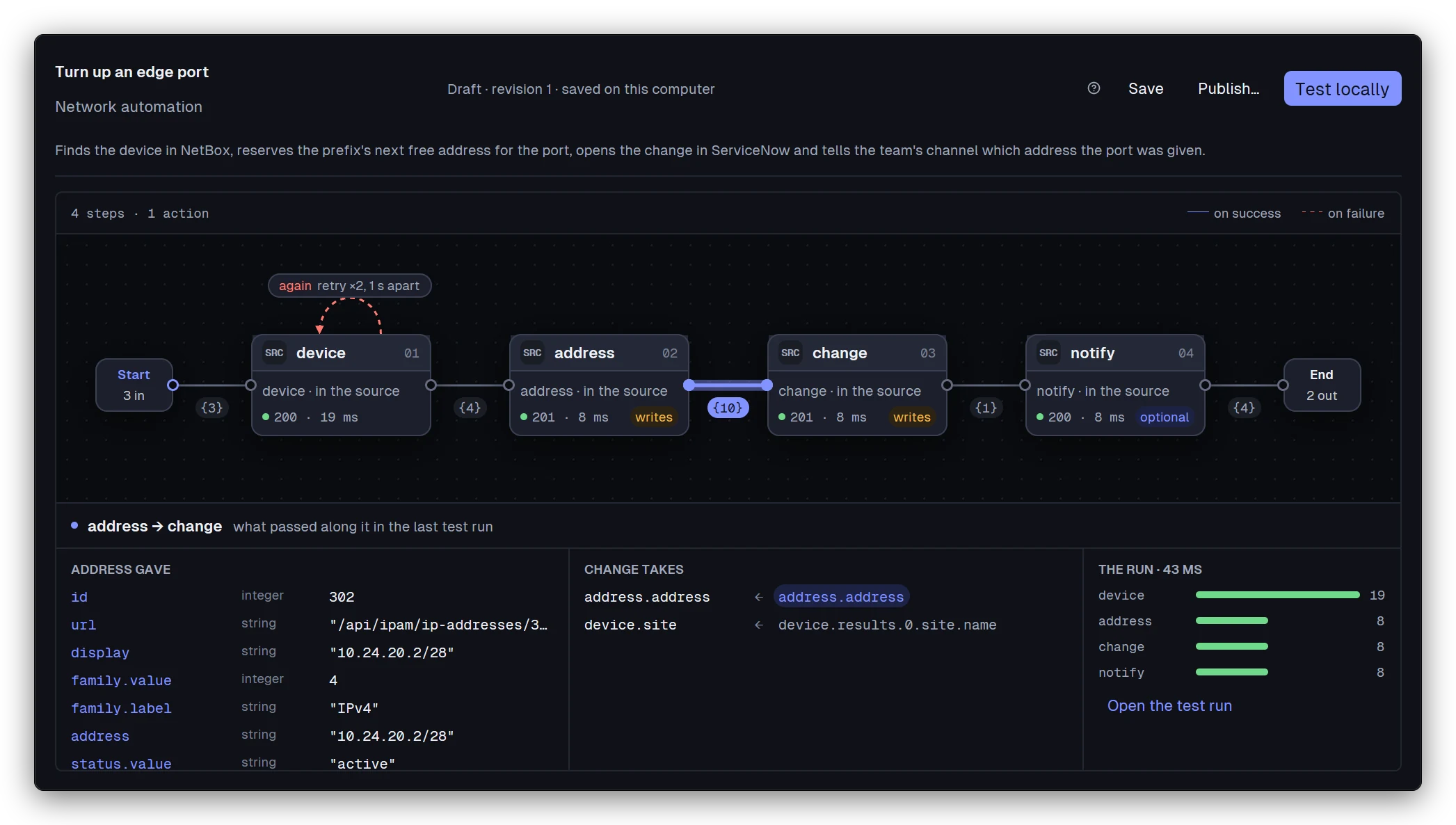
See a whole workflow and what flows through it. This operation finds a device in NetBox, reserves an address, opens a change in ServiceNow and posts to Slack. After a local test, every step shows its status and time, the steps that write are tagged, the Slack step is optional, and the drawer shows exactly what passed from address to change.
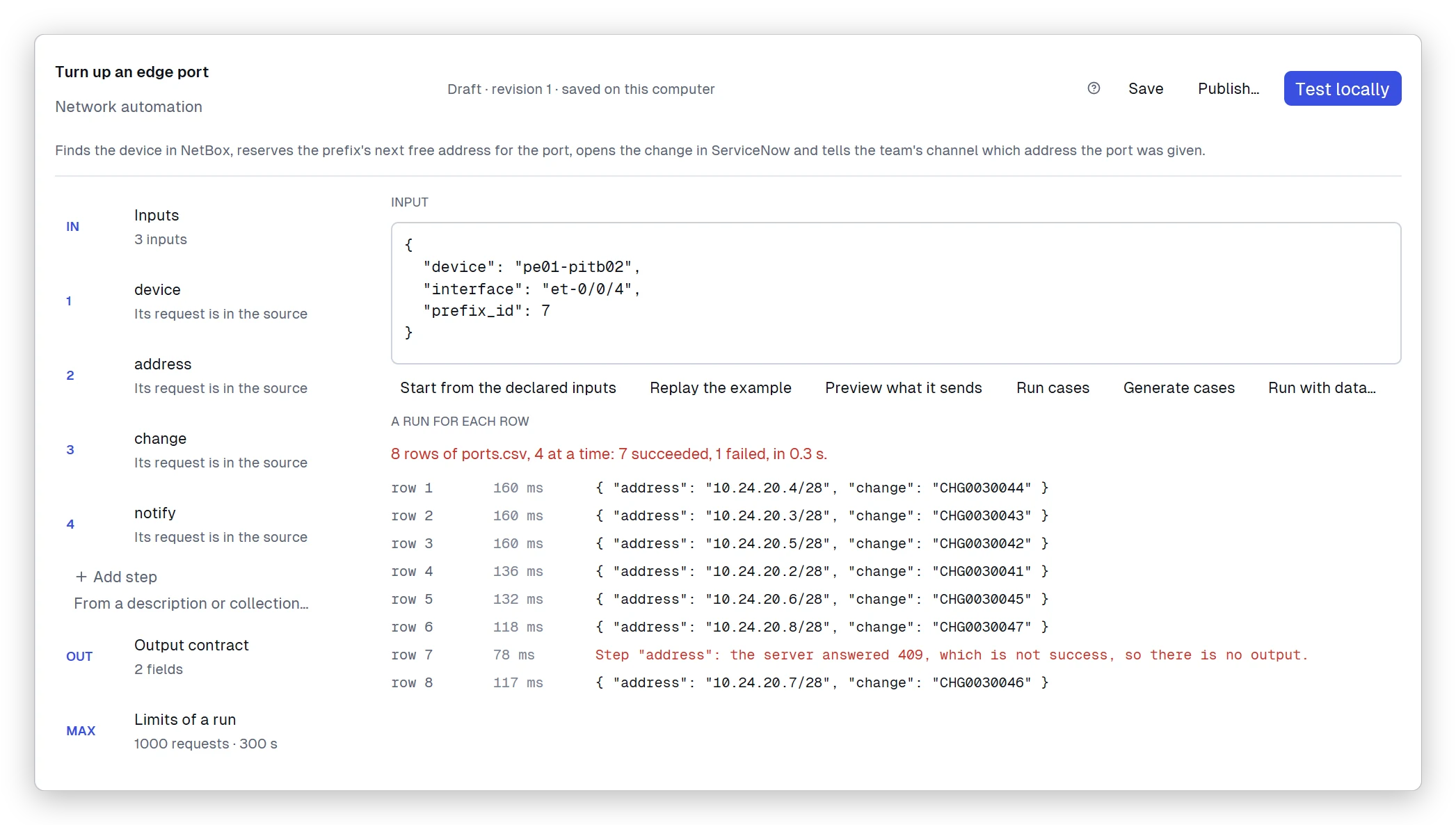
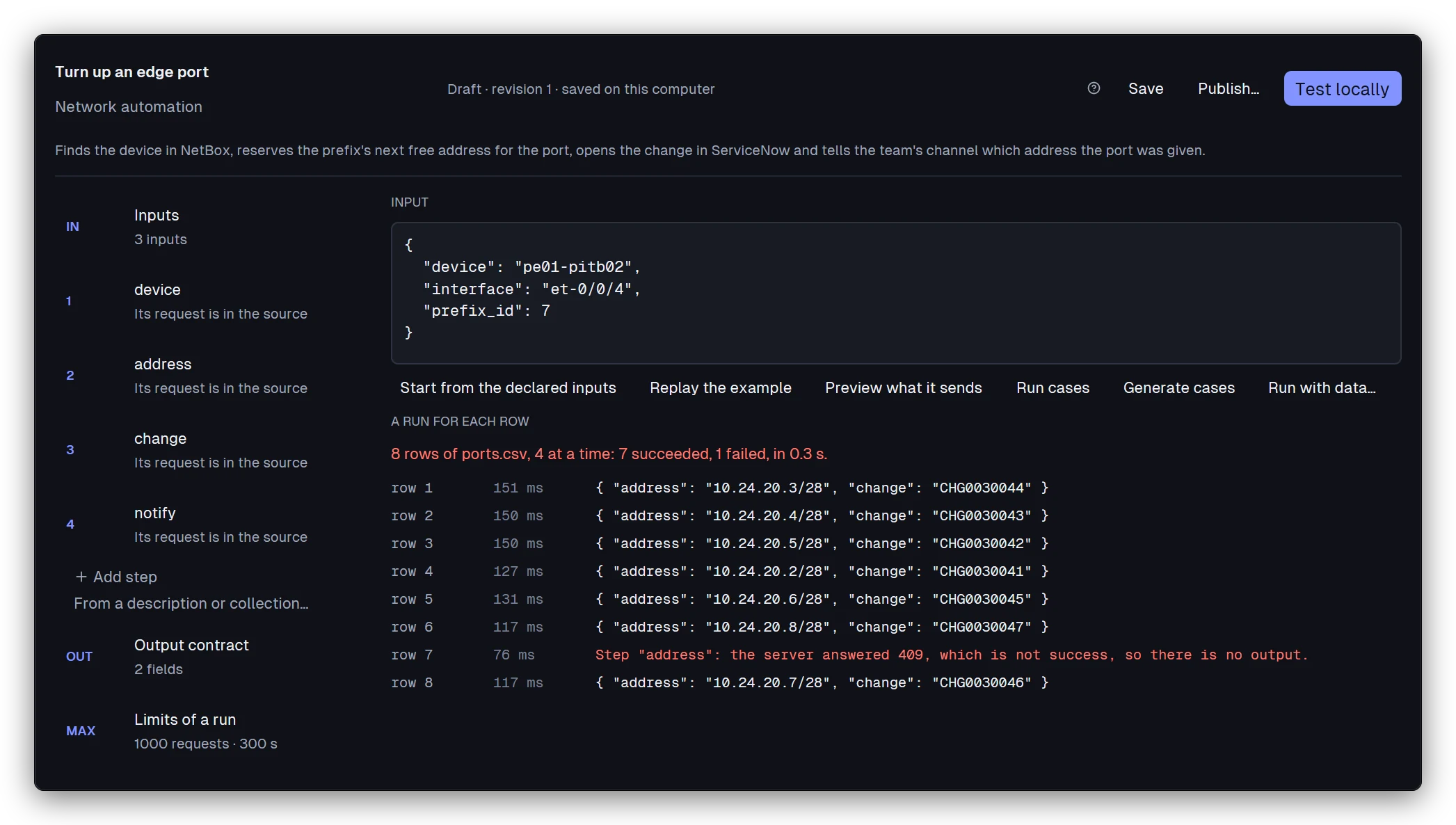
Turn up a whole batch of ports from one CSV file. Reqlyn runs the operation once per row, four at a time. Seven rows succeed, and the row with a prefix NetBox doesn’t have fails, telling you which step stopped it and what NetBox said.
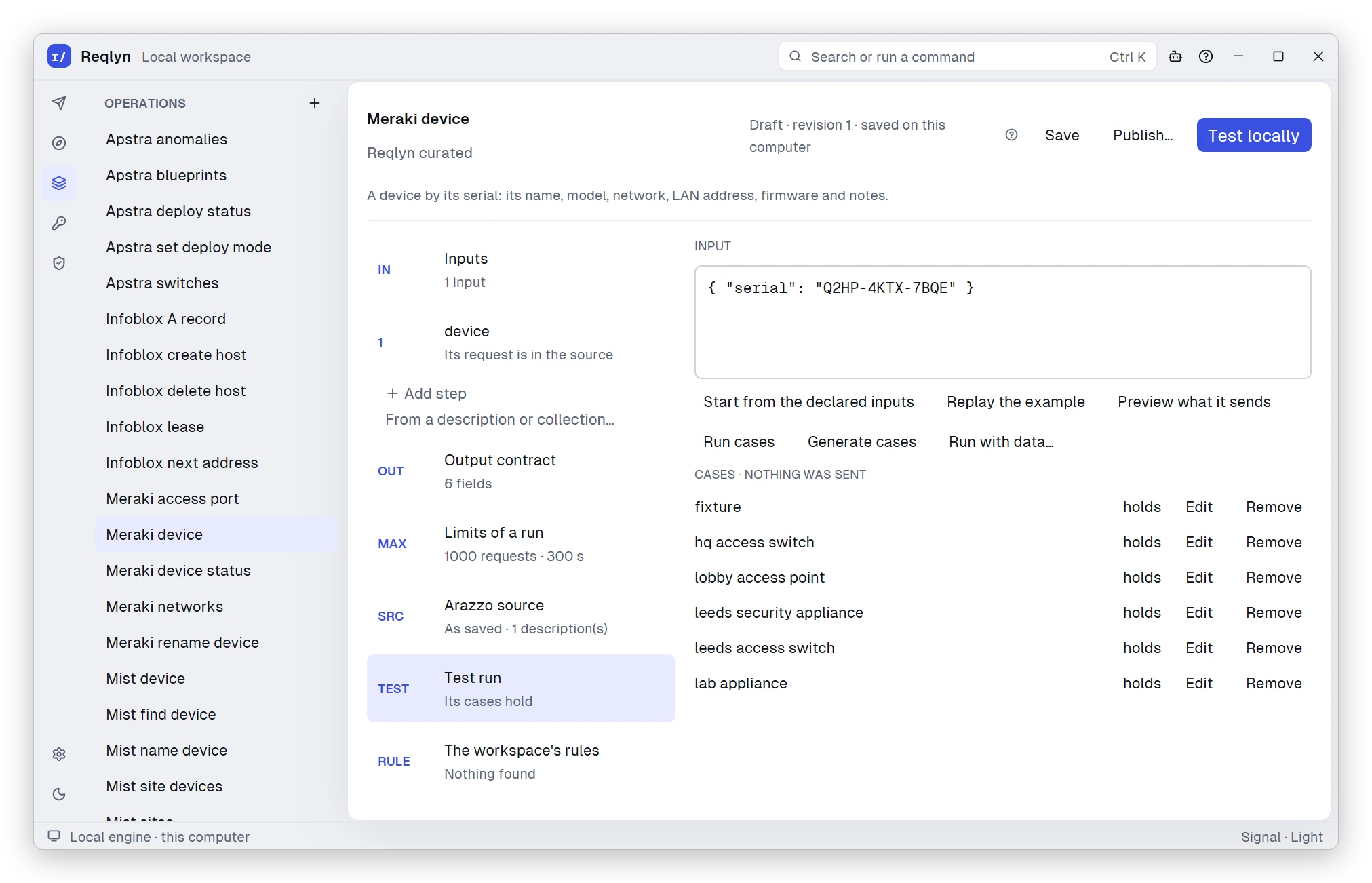
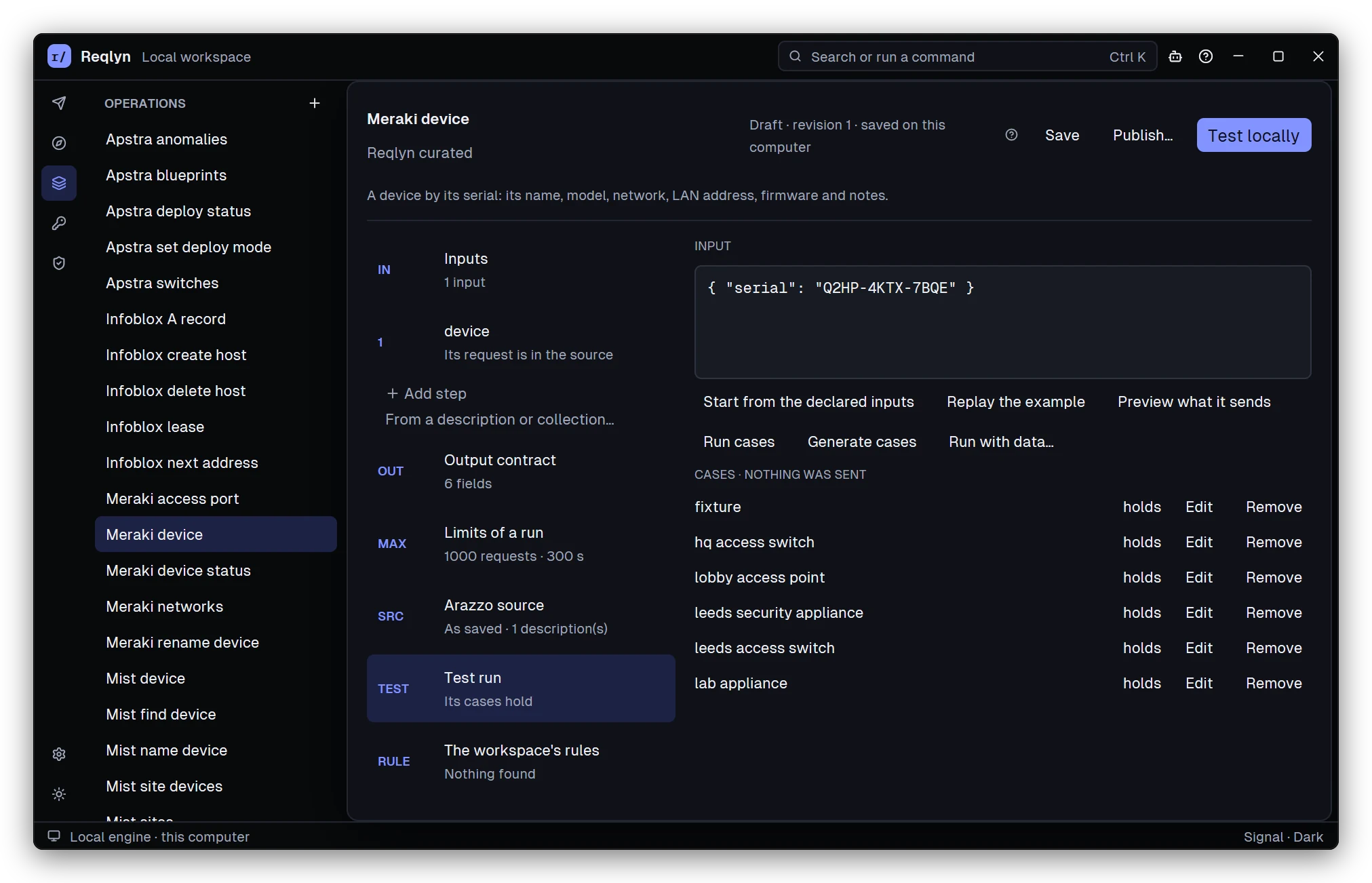
Skip the groundwork for the systems you already run. Eight curated packs are installed here, from Apstra and Infoblox to Meraki and Mist, with NetBox, PAN-OS, ServiceNow and Slack further down the list. The Meraki device operation’s regression cases, recorded from live runs, replay without sending anything, and every one passes.
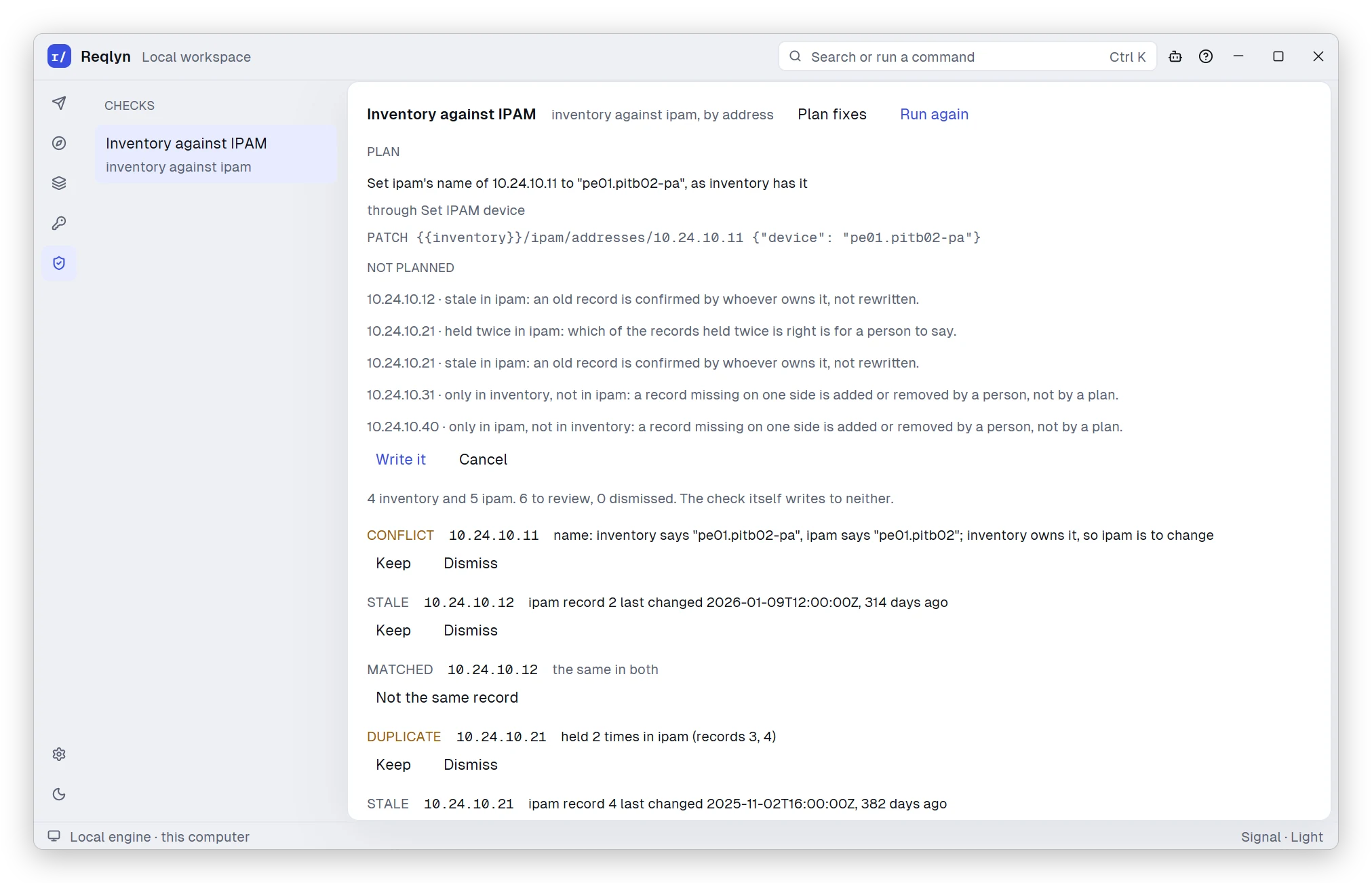
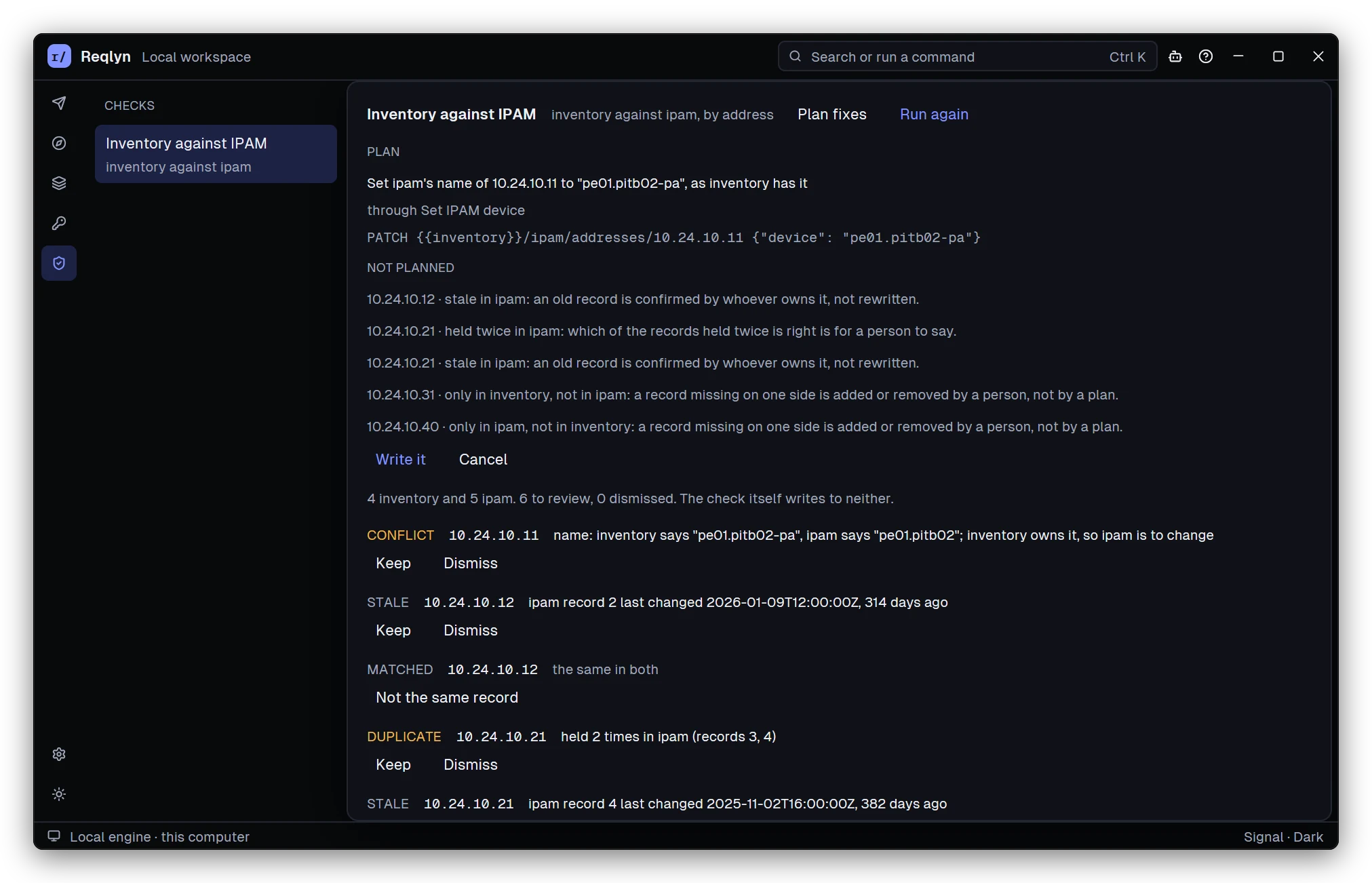
Catch the moment your inventory and your IPAM stop agreeing. This check lines them up by address and finds a name conflict, stale records, an address used twice and devices missing on each side. It plans the one write that fixes the conflict, and nothing is written until you say so.
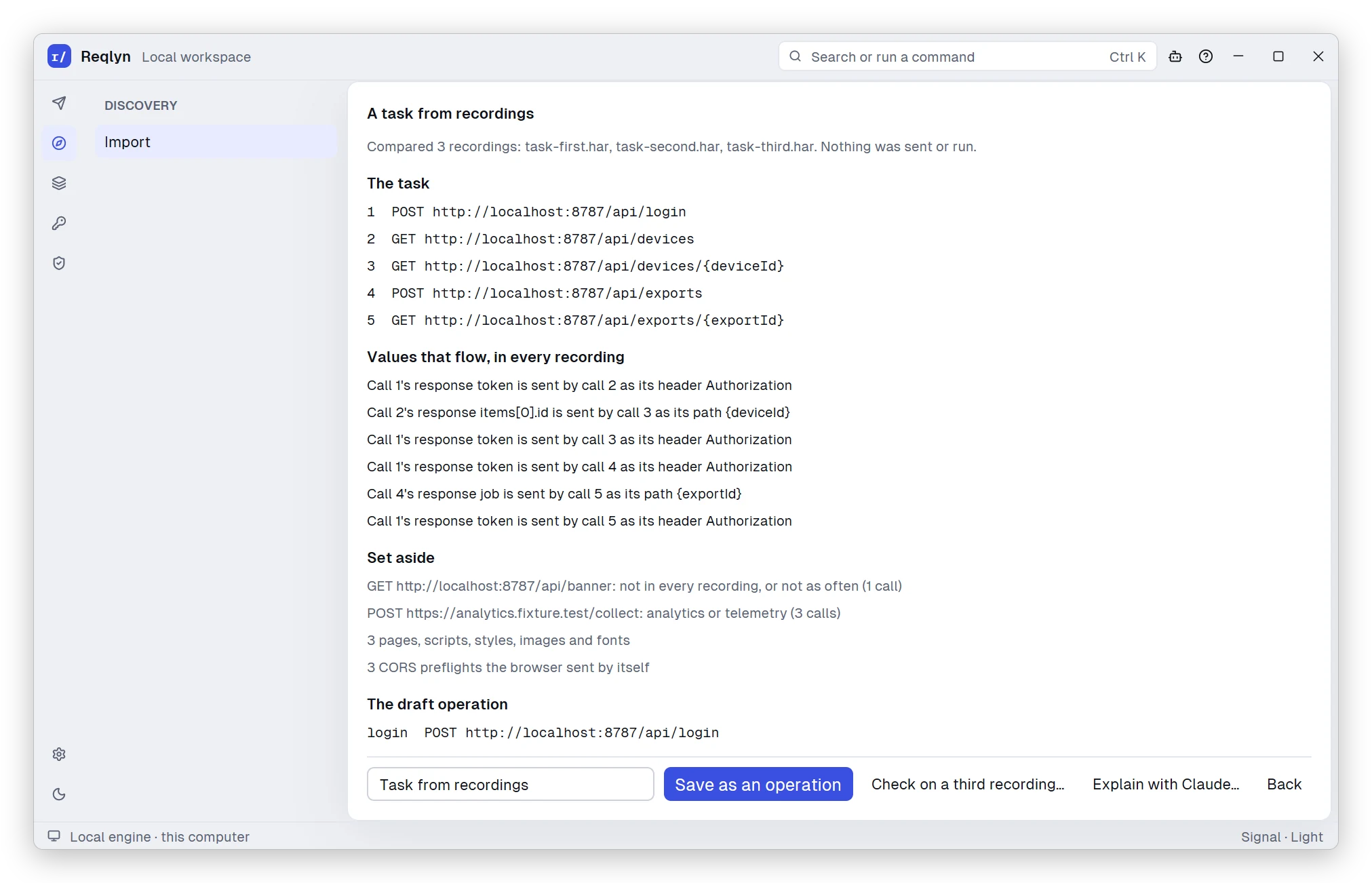
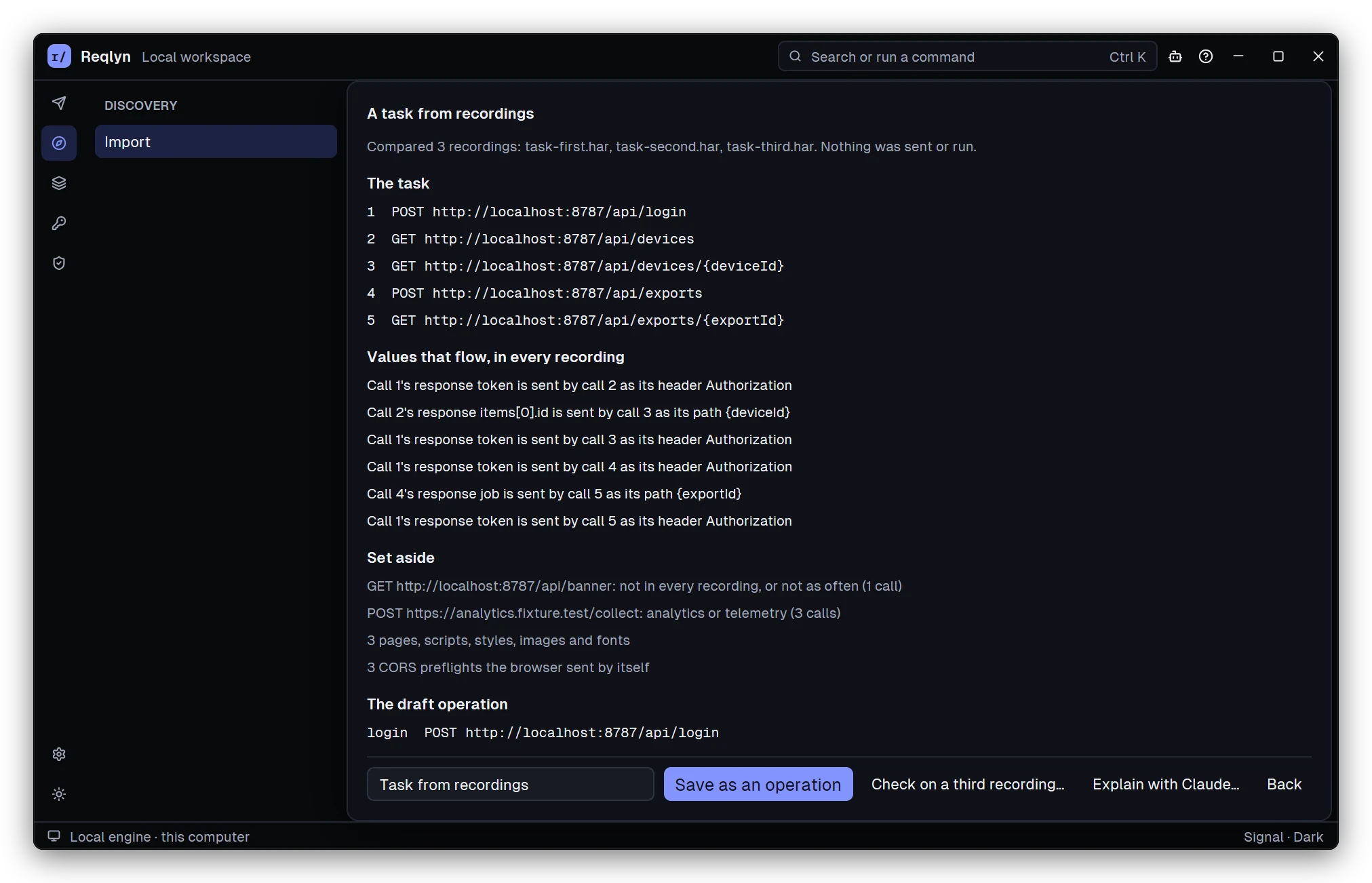
Record a task a few times in your browser and let Reqlyn work out the API calls behind it. It lines up the calls the recordings share, follows the values each response hands to a later call, sets aside telemetry and page loads, and drafts the operation for you.
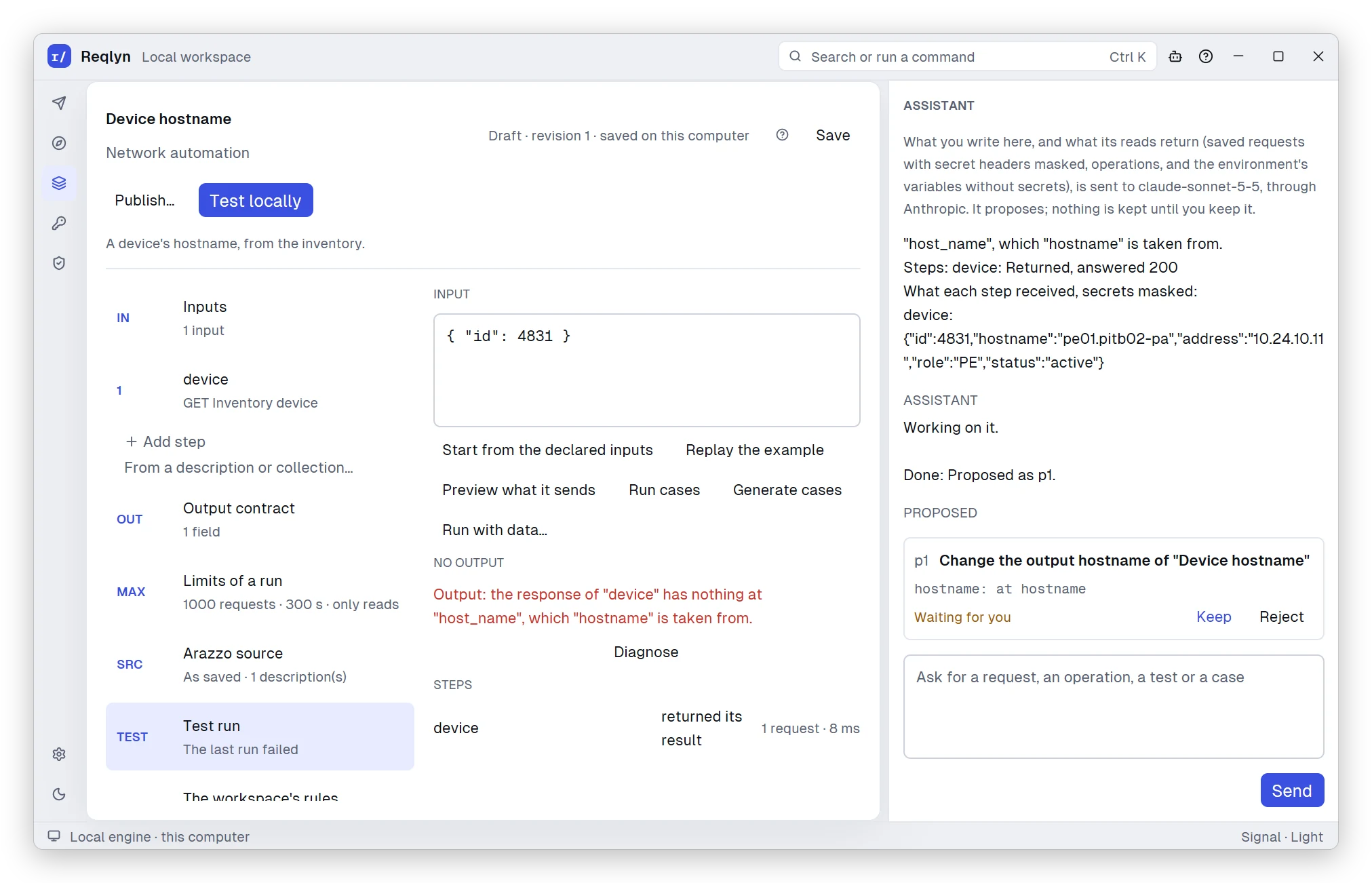
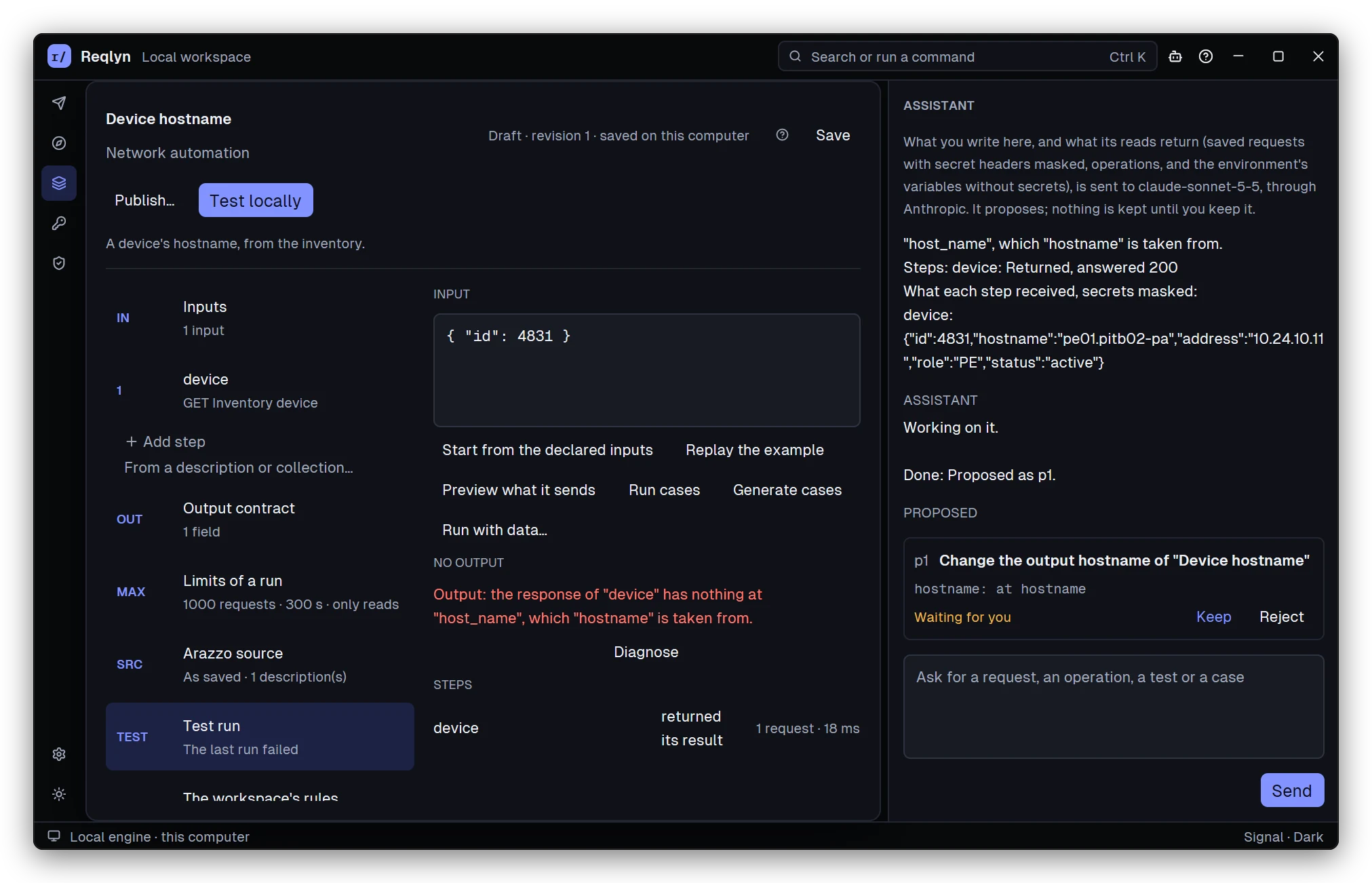
With Claude assistance turned on, a failed test is one click from a diagnosis. Claude sees what the step received, with secrets masked, and proposes a fix: here, reading the output from hostname. Nothing changes until you keep it.
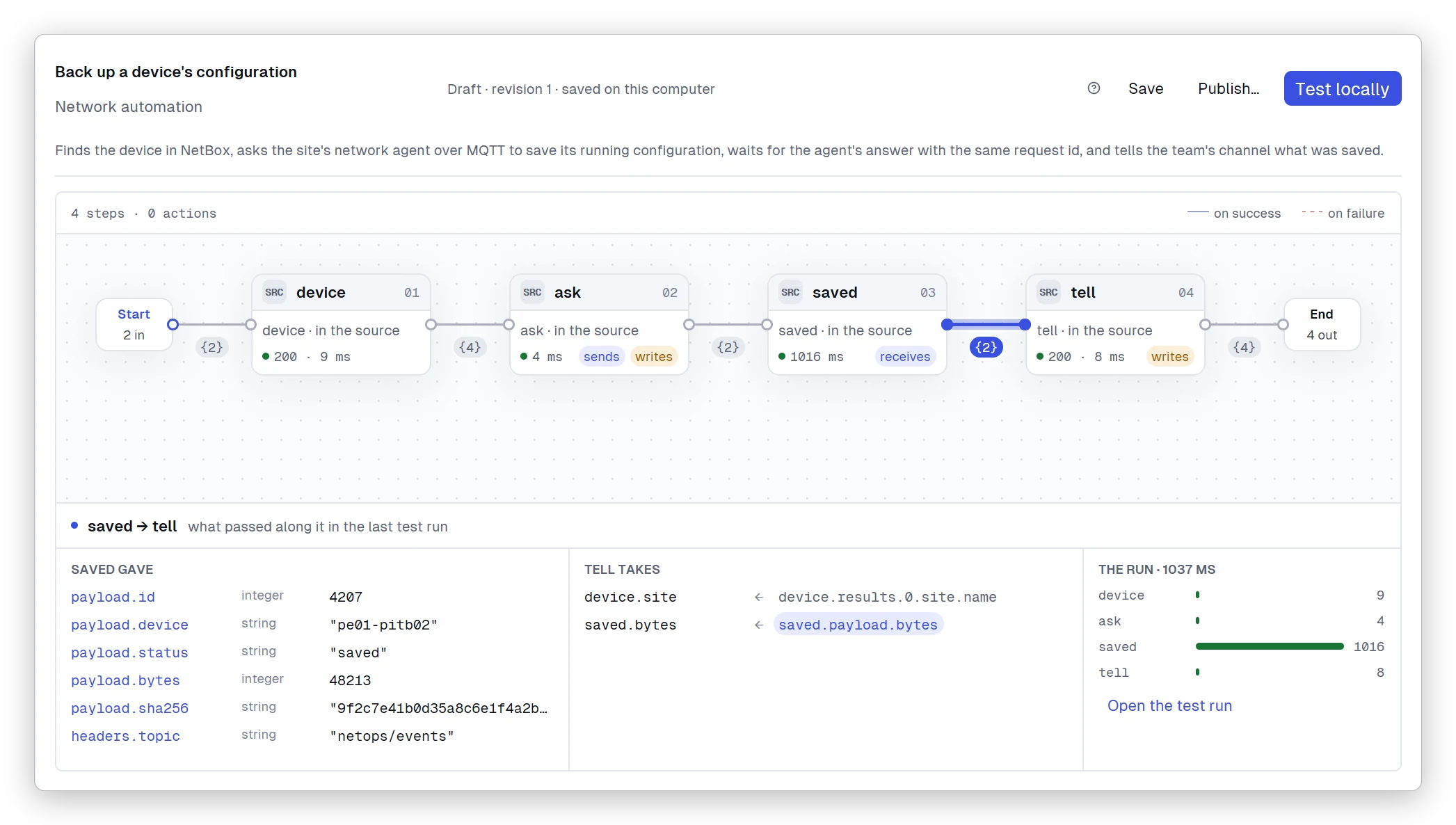
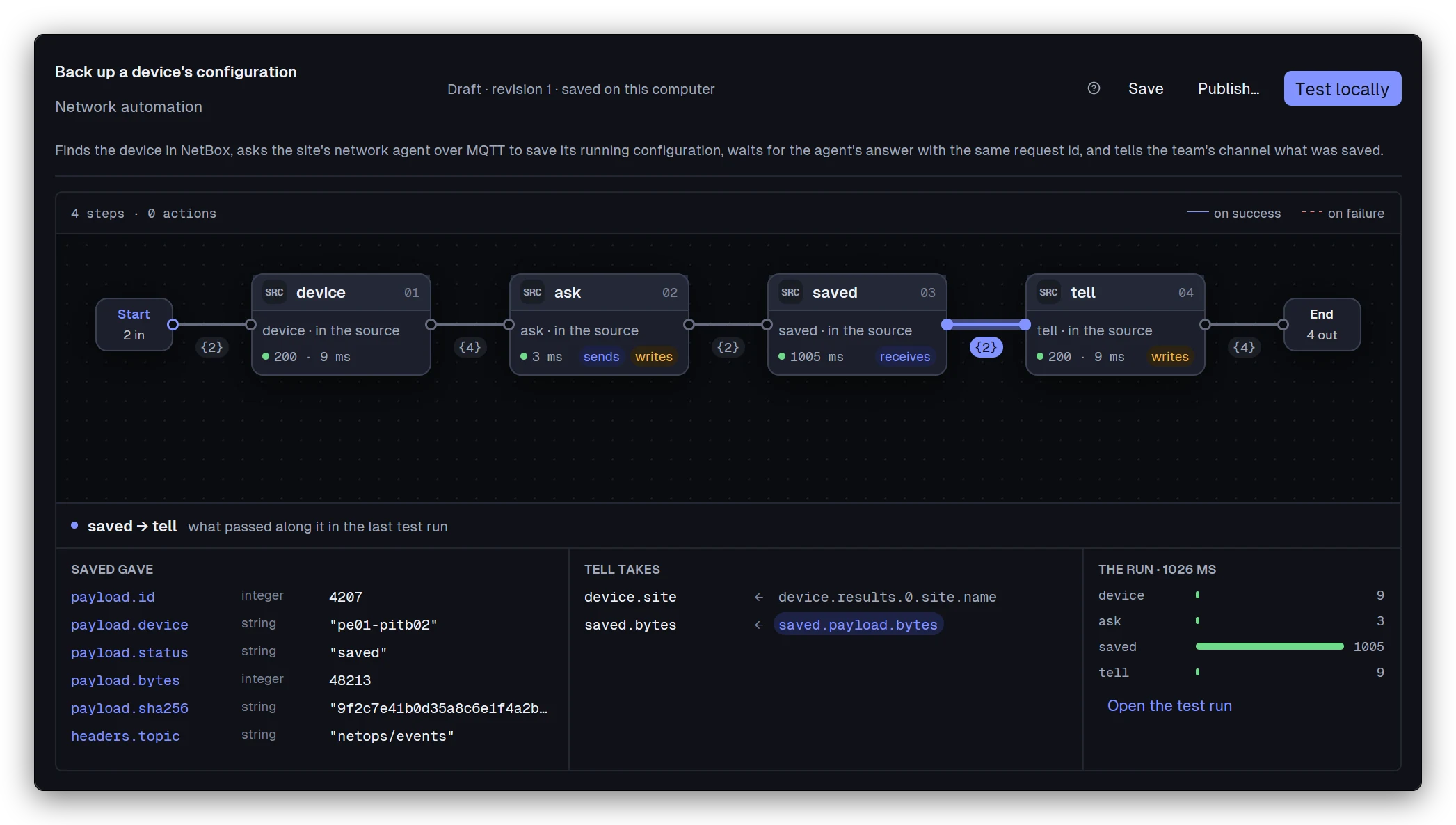
Wait for events as easily as you call an API. This operation asks a site’s network agent over MQTT to back up a device’s configuration, waits for the reply with the same request id, then tells the team in Slack what was saved.
 Reqlyn